Cookbook
A set of practical DSGL patterns that are already used in this repository (mostly in mc-forge-1-7-10-demo).
It is not a generic UI cookbook; every recipe here maps to existing runtime / demo behaviour.
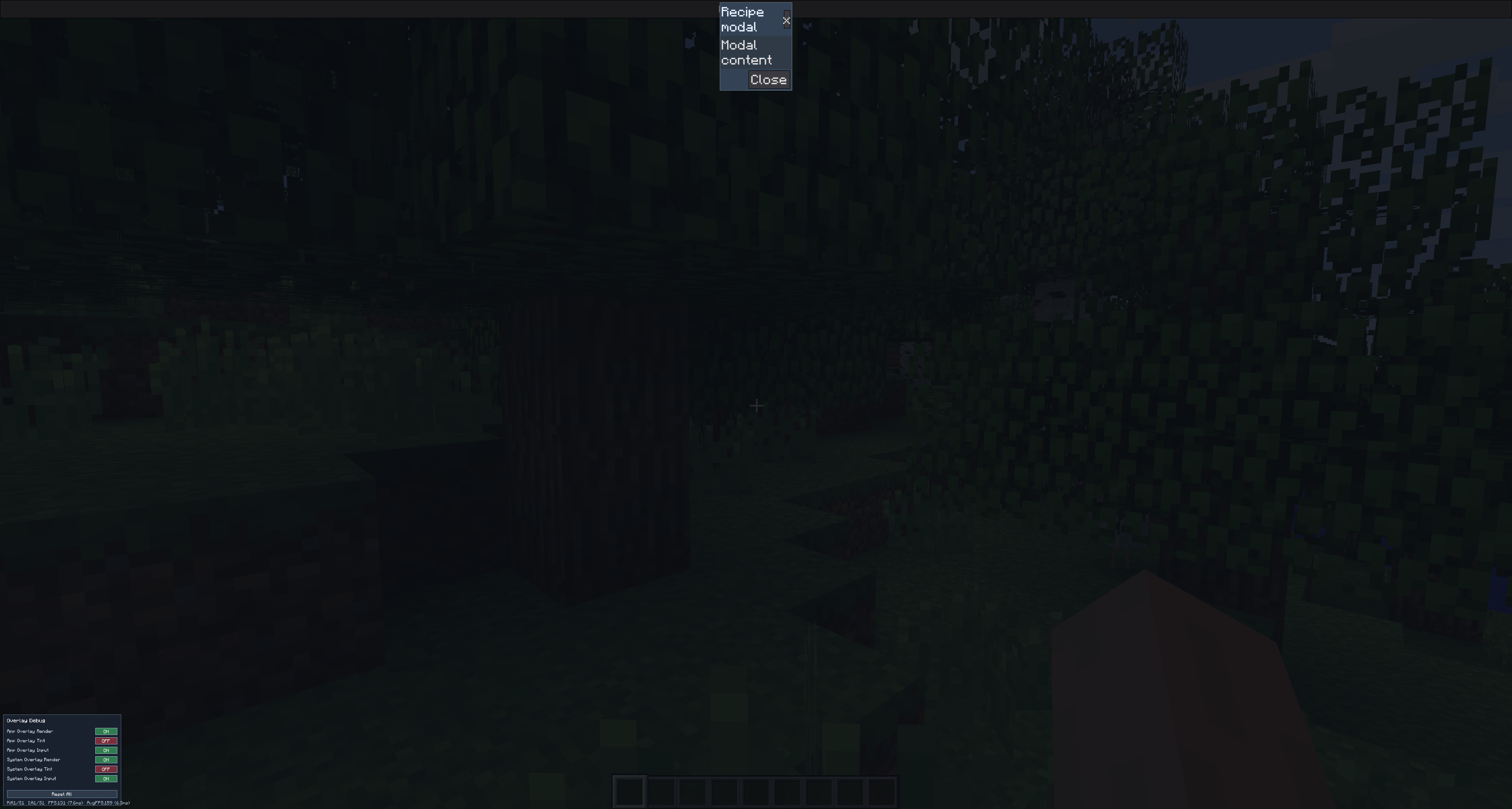
Recipe 1: State-driven modal stack
Use a window/component state list of ModalSpec, and render it through modalHost.
Topmost modal is the last item in the list.
import org.dreamfinity.dsgl.core.DsglWindow
import org.dreamfinity.dsgl.core.components.modal.*
import org.dreamfinity.dsgl.core.dsl.UiScope
import org.dreamfinity.dsgl.core.dsl.button
import org.dreamfinity.dsgl.core.dsl.text
import org.dreamfinity.dsgl.core.hooks.useState

class ModalStackWindow : DsglWindow() {
    override fun render() = ui {
        modalStackRecipe()
    }
}

private fun UiScope.modalStackRecipe() {
    var modals by useState(emptyList<ModalSpec>())

    fun removeModal(key: String) {
        modals = modals.filterNot { it.key == key }
    }

    modalHost(modals = modals, modalKey = "recipe.modal.host") {
        button("Open modal", {
            onMouseClick = {
                modals = modals + ModalSpec(
                    key = "recipe.modal.basic",
                    onHide = { removeModal("recipe.modal.basic") }
                ) { scope ->
                    modalHeader(closeButton = true, onHide = scope.dismiss) {
                        modalTitle("Recipe modal")
                    }
                    modalBody {
                        text("Modal content")
                    }
                    modalFooter {
                        button("Close", { onMouseClick = { scope.dismiss?.invoke() } })
                    }
                }
            }
        })
    }
}
Why this pattern:
- modal visibility is explicit in state
- stacking order is deterministic
- lifecycle (
onHide) stays close to modal declaration
Recipe 2: Attach a context menu to a node
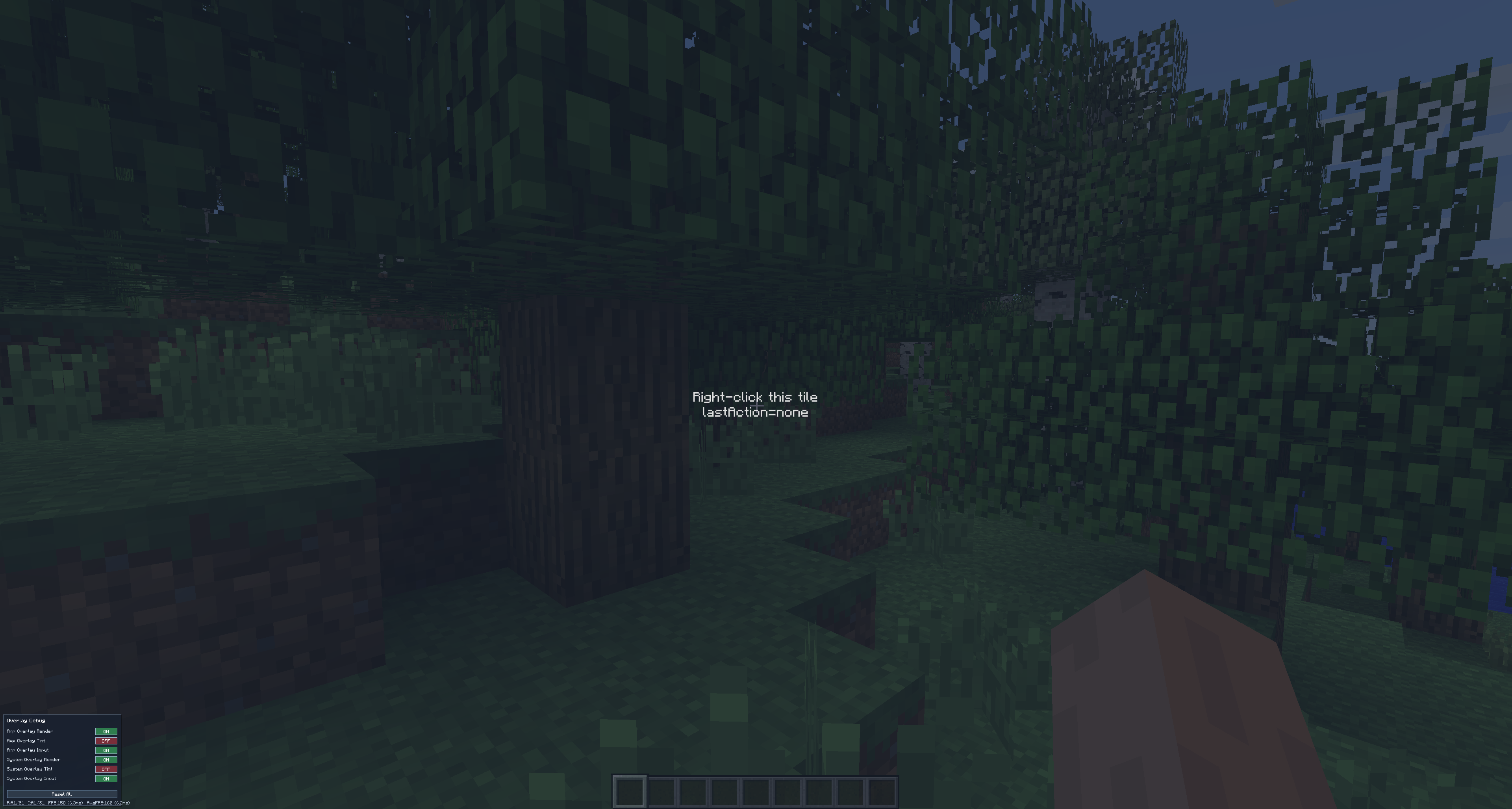
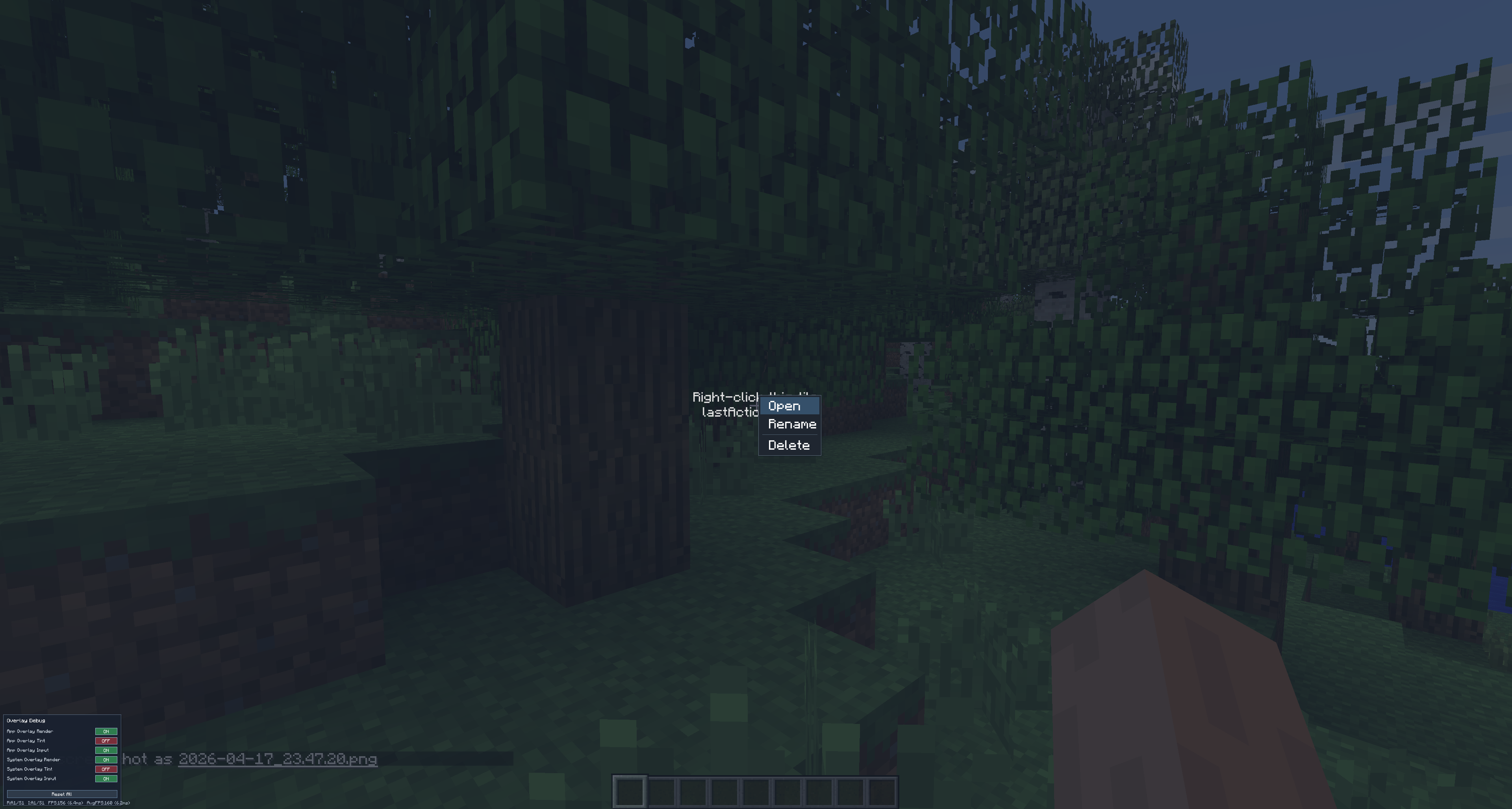
Use DOMNode.onContextMenu { ... } and build a model with contextMenu { ... }.
The current runtime opens it from the right mouse down and consumes that event path.
import org.dreamfinity.dsgl.core.DsglWindow
import org.dreamfinity.dsgl.core.contextmenu.contextMenu
import org.dreamfinity.dsgl.core.dom.onContextMenu
import org.dreamfinity.dsgl.core.dsl.UiScope
import org.dreamfinity.dsgl.core.dsl.div
import org.dreamfinity.dsgl.core.dsl.text
import org.dreamfinity.dsgl.core.hooks.useState

class ContextMenuWindow : DsglWindow() {
    override fun render() = ui {
        contextMenuRecipe()
    }
}

fun UiScope.contextMenuRecipe() {
    var lastAction by useState("none")

    val tile = div({ key = "recipe.file.tile" }) {
        text("Right-click this tile")
    }

    tile.onContextMenu {
        openMenu(
            contextMenu(id = "recipe.file.menu") {
                item("Open") { onClick { lastAction = "open" } }
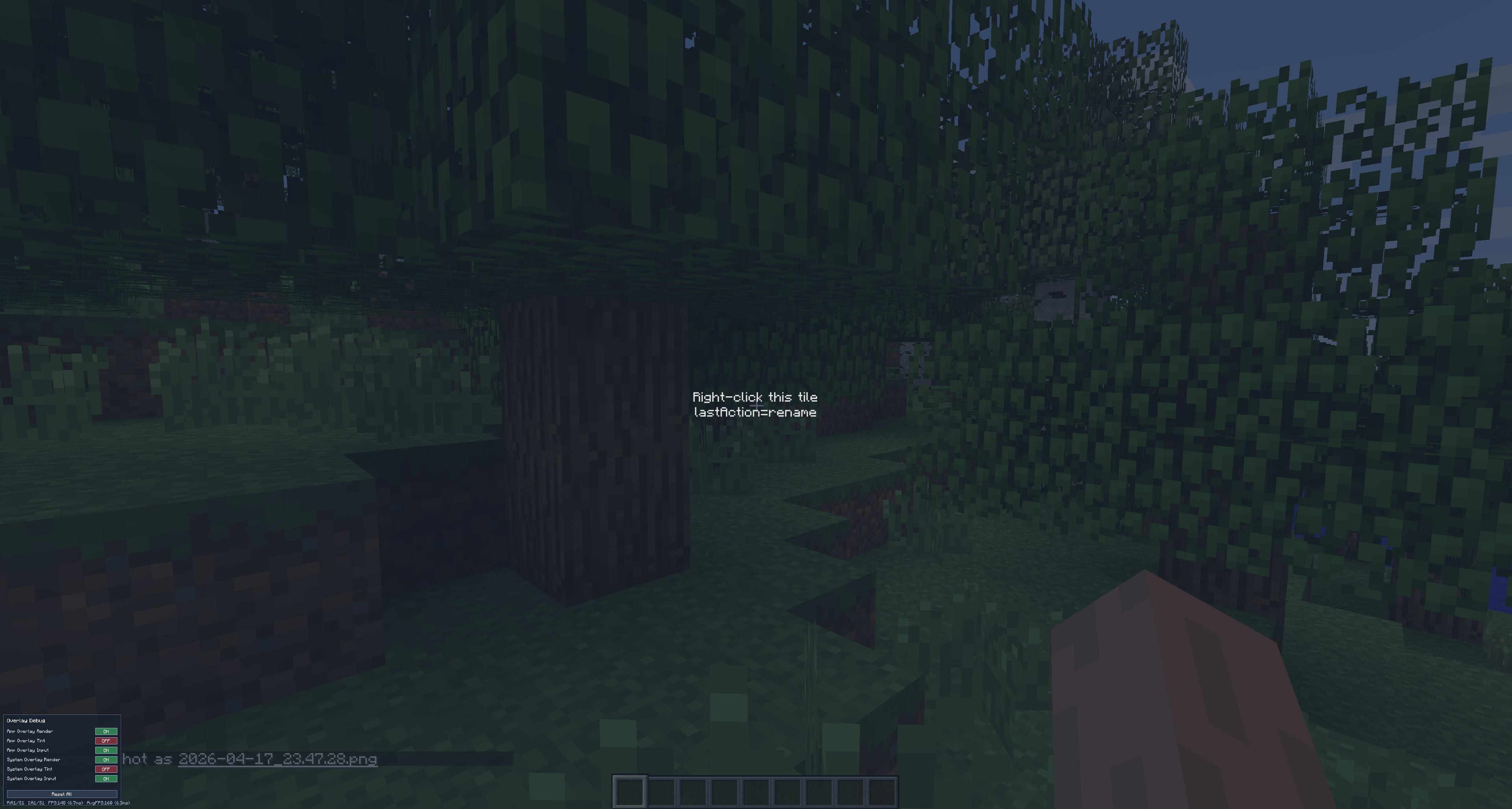
                item("Rename") { onClick { lastAction = "rename" } }
                separator()
                item("Delete") { onClick { lastAction = "delete" } }
            }
        )
    }

    text("lastAction=$lastAction")
}
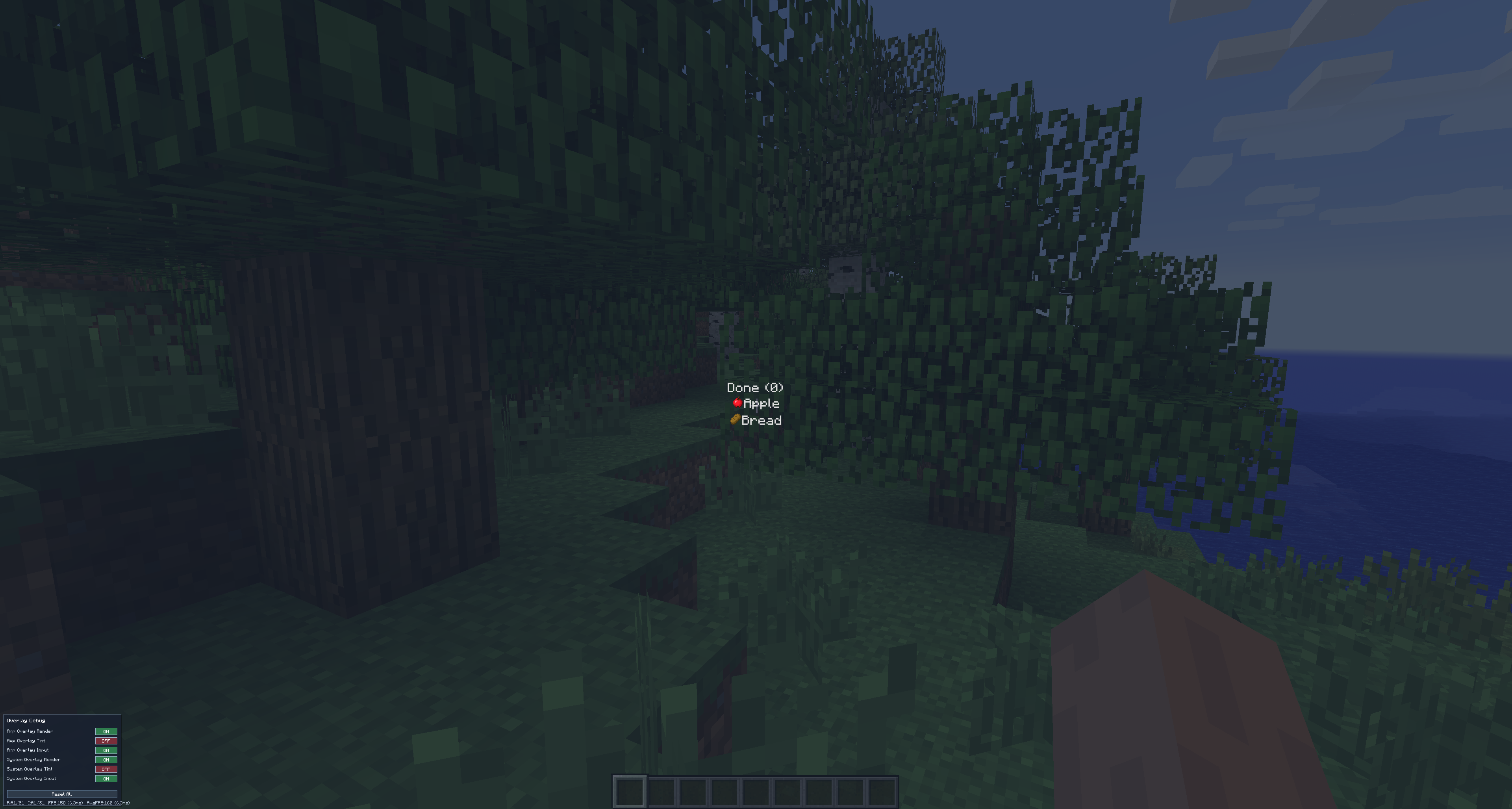
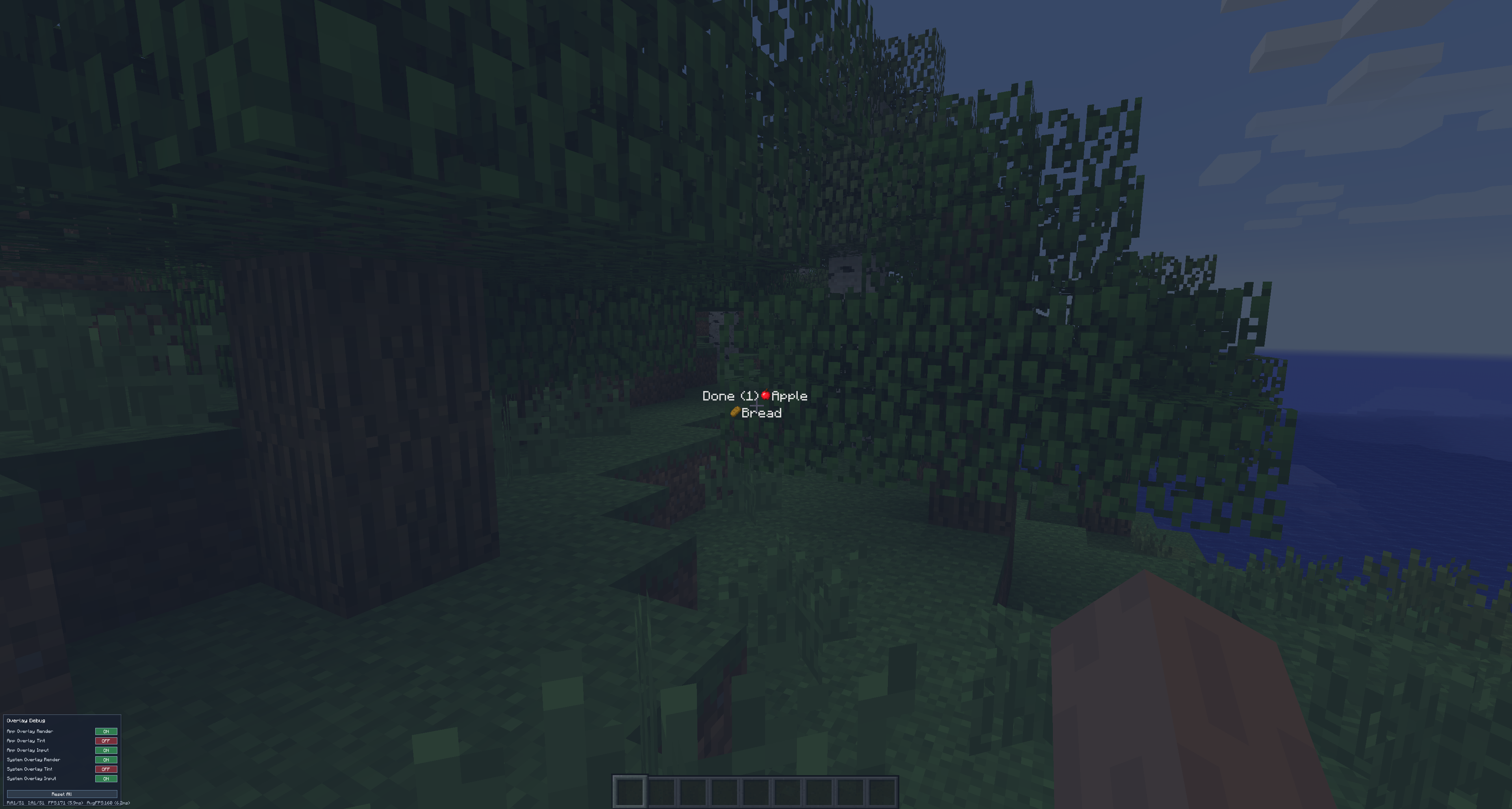
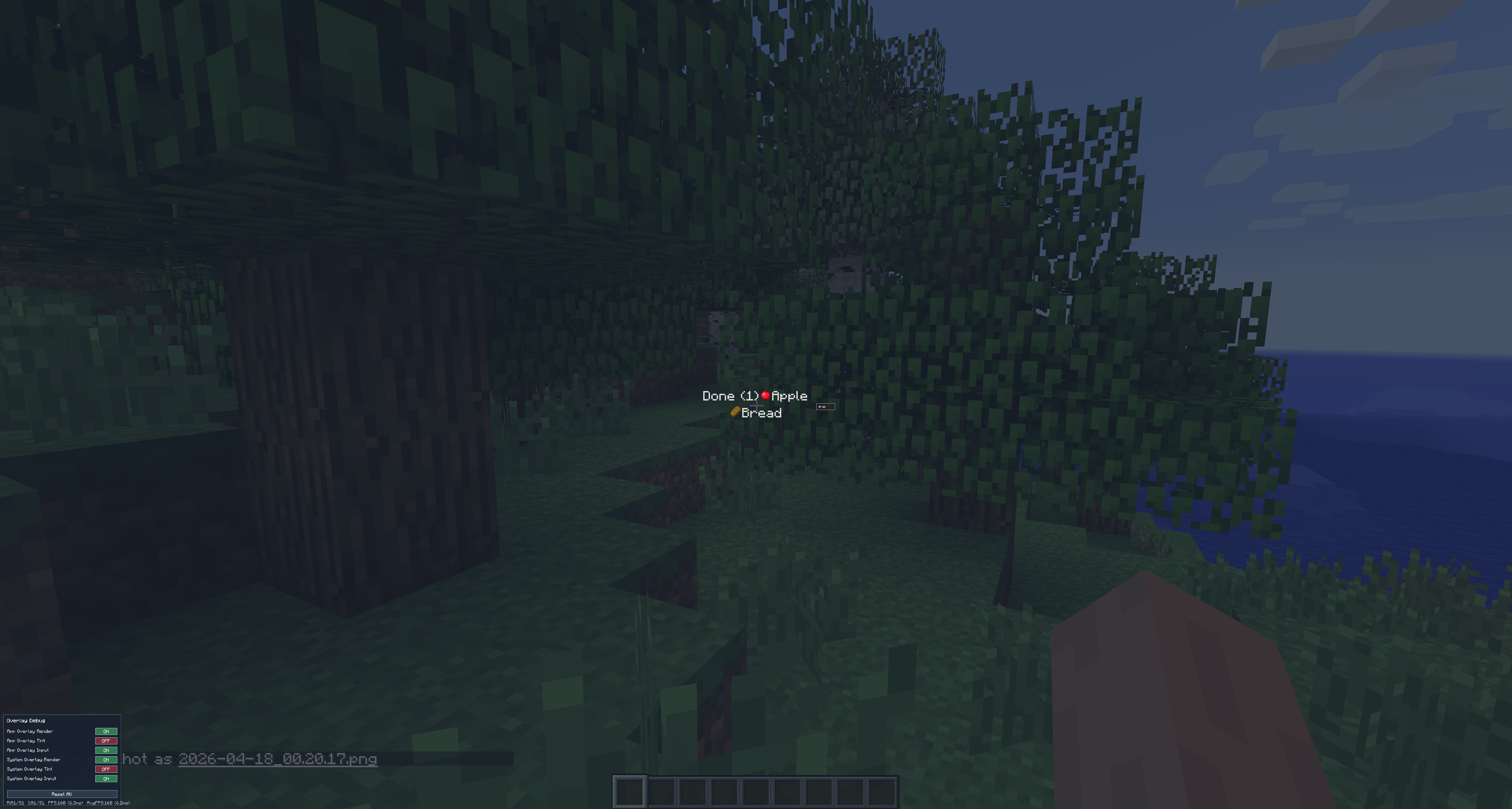
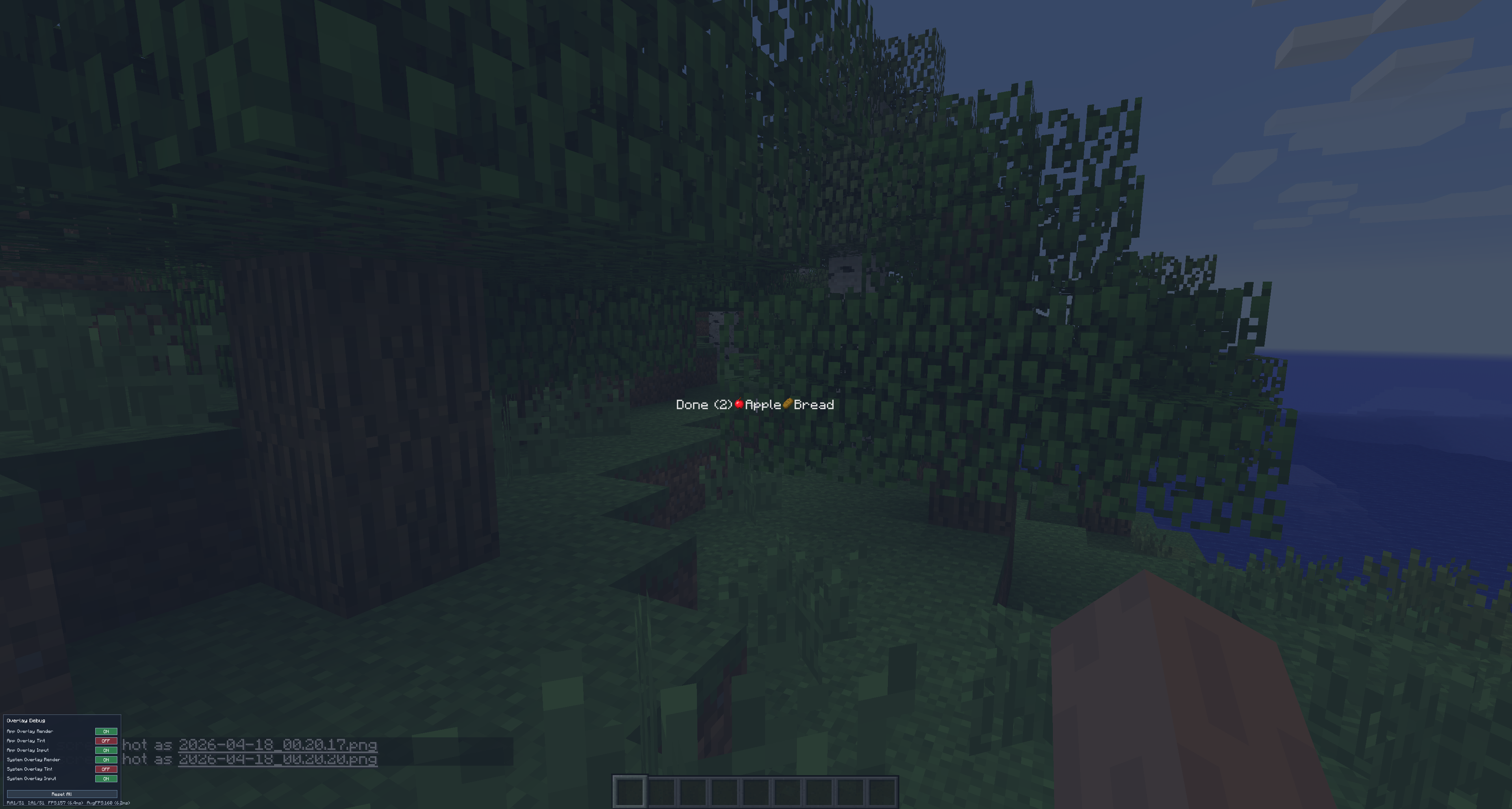
Recipe 3: Drag card into a bucket
Use useDraggable on source nodes and useDroppable on target nodes.
This mirrors the bucket flow in the drag-drop demo section.
import cpw.mods.fml.common.registry.GameRegistry
import net.minecraft.item.ItemStack
import org.dreamfinity.dsgl.core.DsglWindow
import org.dreamfinity.dsgl.core.dnd.applyDraggable
import org.dreamfinity.dsgl.core.dnd.applyDroppable
import org.dreamfinity.dsgl.core.dnd.useDraggable
import org.dreamfinity.dsgl.core.dnd.useDroppable
import org.dreamfinity.dsgl.core.dsl.UiScope
import org.dreamfinity.dsgl.core.dsl.div
import org.dreamfinity.dsgl.core.dsl.itemStack
import org.dreamfinity.dsgl.core.dsl.text
import org.dreamfinity.dsgl.core.hooks.useState
import org.dreamfinity.dsgl.core.style.AlignItems
import org.dreamfinity.dsgl.core.style.Display
import org.dreamfinity.dsgl.mcForge1710.McItemStackRef
import org.dreamfinity.dsgl.mcForge1710.demo.examples.containers.centeredFlexWrapper

class DragNDropWindow : DsglWindow() {
    override fun render() = ui {
        centeredFlexWrapper {
            dragBucketRecipe()
        }
    }
}


private data class Card(val id: String, val label: String)

fun UiScope.dragBucketRecipe() {
    var lane by useState(listOf(Card("apple", "Apple"), Card("bread", "Bread")))
    var done by useState(emptyList<Card>())

    val doneDrop = useDroppable(
        id = "bucket.done",
        nodeKey = "bucket.done",
        accepts = { active -> !active.id.isNullOrBlank() },
        onDrop = { _, active ->
            val movedId = active?.id ?: return@useDroppable
            val moved = lane.firstOrNull { it.id == movedId } ?: return@useDroppable
            lane = lane.filterNot { it.id == movedId }
            done = done + moved
        }
    )

    div({
        key = "recipe.done.bucket"
        style = {
            display = Display.Flex
            alignItems = AlignItems.Center
        }
        applyDroppable(doneDrop)
    }) {
        div({ style = { display = Display.Flex; alignItems = AlignItems.Center } }) {
            text("Done (${done.size})")
        }
        done.forEach { card ->
            div({ style = { display = Display.Flex; alignItems = AlignItems.Center } }) {
                GameRegistry.findItem("minecraft", card.id)?.let { item ->
                    itemStack(McItemStackRef(ItemStack(item, 1, 0)), { size = 32 })
                } ?: text("?")
                text(card.label)
            }
        }
    }

    lane.forEach { card ->
        val drag = useDraggable(id = card.id, nodeKey = "lane.card.${card.id}")
        div({
            key = "lane.card.${card.id}"
            style = {
                display = Display.Flex
                alignItems = AlignItems.Center
            }
            applyDraggable(drag)
        }) {
            GameRegistry.findItem("minecraft", card.id)?.let { item ->
                itemStack(McItemStackRef(ItemStack(item, 1, 0)), { size = 32 })
            } ?: text("?")
            text(card.label)
        }
    }
}
Notes:
useSortableis available for sortable scenarios, but it does not reorder your list state automatically.- For list reorder commits, use your own state transition (for example
reorderByDnD(...)).
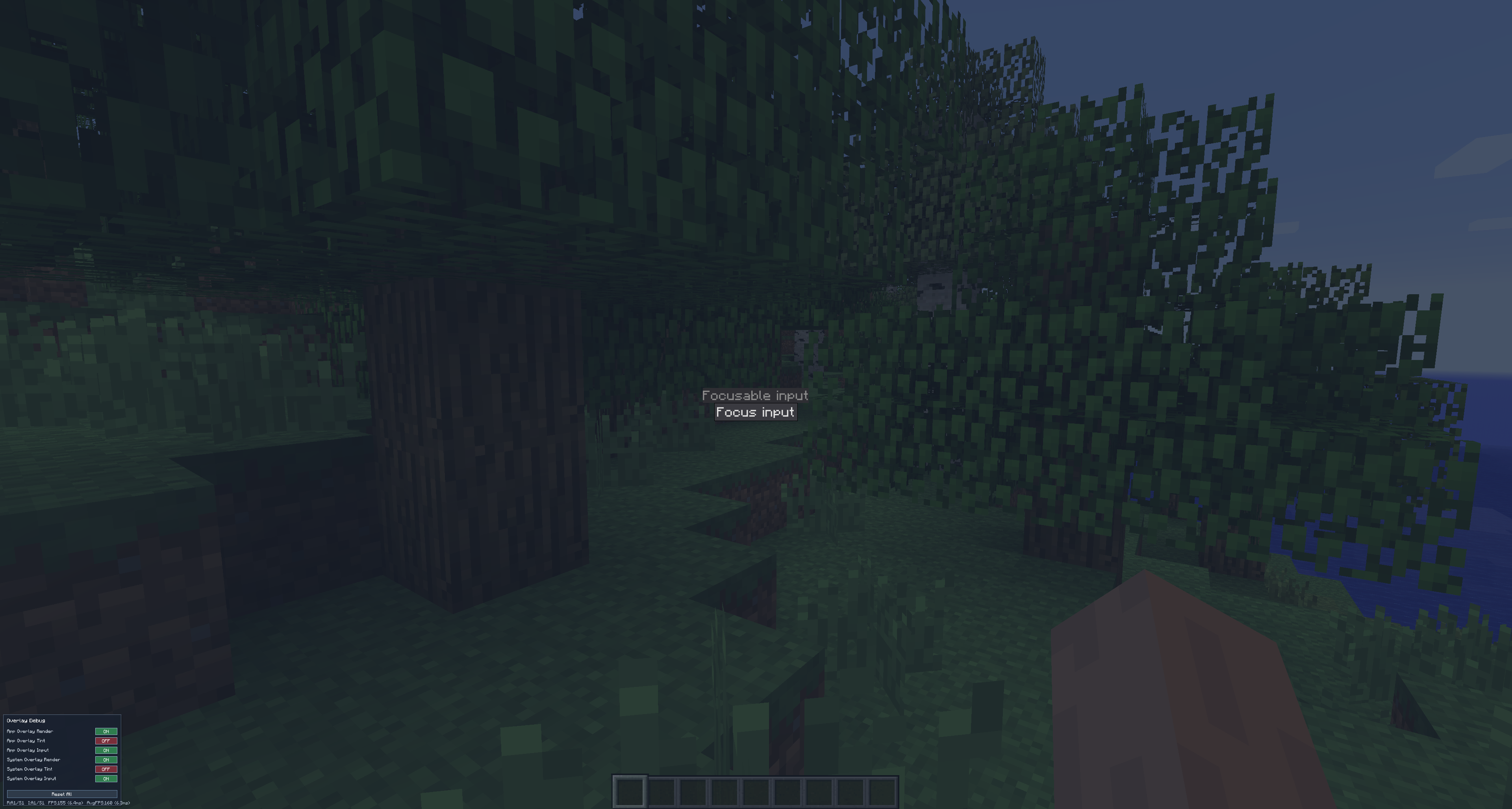
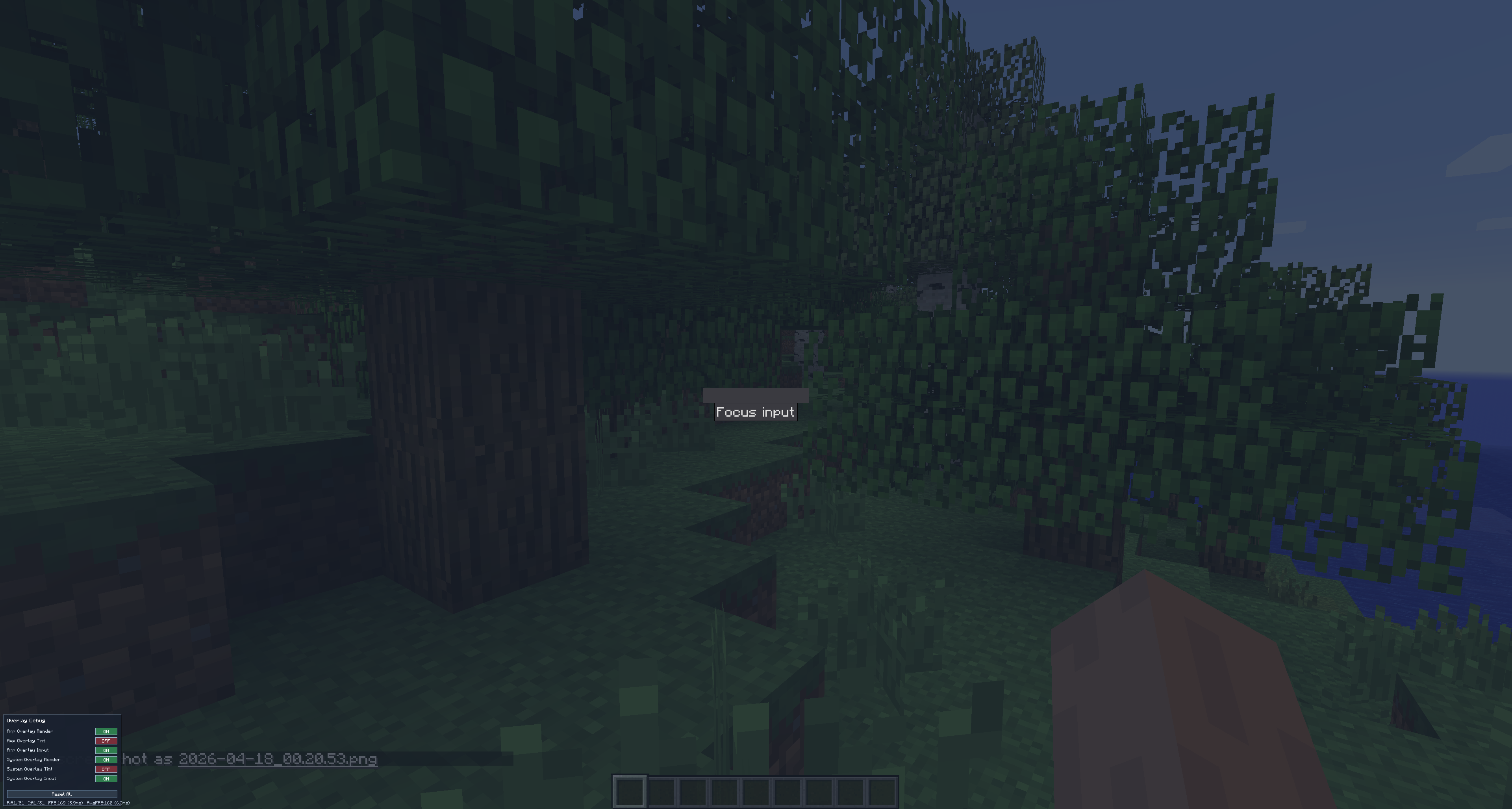
Recipe 4: Imperative focus with refs
Use useRef<ElementHandle>() when you need explicit focus control.
import org.dreamfinity.dsgl.core.UiScope
import org.dreamfinity.dsgl.core.dom.elements.InputType
import org.dreamfinity.dsgl.core.hooks.ref.ElementHandle
import org.dreamfinity.dsgl.core.hooks.ref.useRef

fun UiScope.focusRecipe() {
    val inputRef by useRef<ElementHandle>()

    input(InputType.Text(value = "", placeholder = "Focusable input"), ref = inputRef)
    button("Focus input", {
        onMouseClick = { inputRef.current?.requestFocus() }
    })
}
Note: ElementHandle.scrollIntoView() is currently a TODO/no-op.
Recipe 5: Reload DSS quickly while iterating
In MC 1.7.10 host (DsglScreenHost):
- styles are loaded from
<mcDataDir>/dsgl/styles - pressing
F6callsStyleEngine.forceReloadStylesheets()
You can also trigger reload from a UI action in your window:
import org.dreamfinity.dsgl.core.DsglWindow
import org.dreamfinity.dsgl.core.style.StyleEngine

class StylesWindow : DsglWindow() {
    override fun render() = ui {
        button("Reload stylesheets", {
            onMouseClick = {
                StyleEngine.forceReloadStylesheets()
                invalidate()
            }
        })
    }
}
For more examples please see mc-forge-1-7-10-demo module For full style semantics and limits, see Styling and Layout model.